Free Fire Voice Changer App Like Raistar (Download 2026)
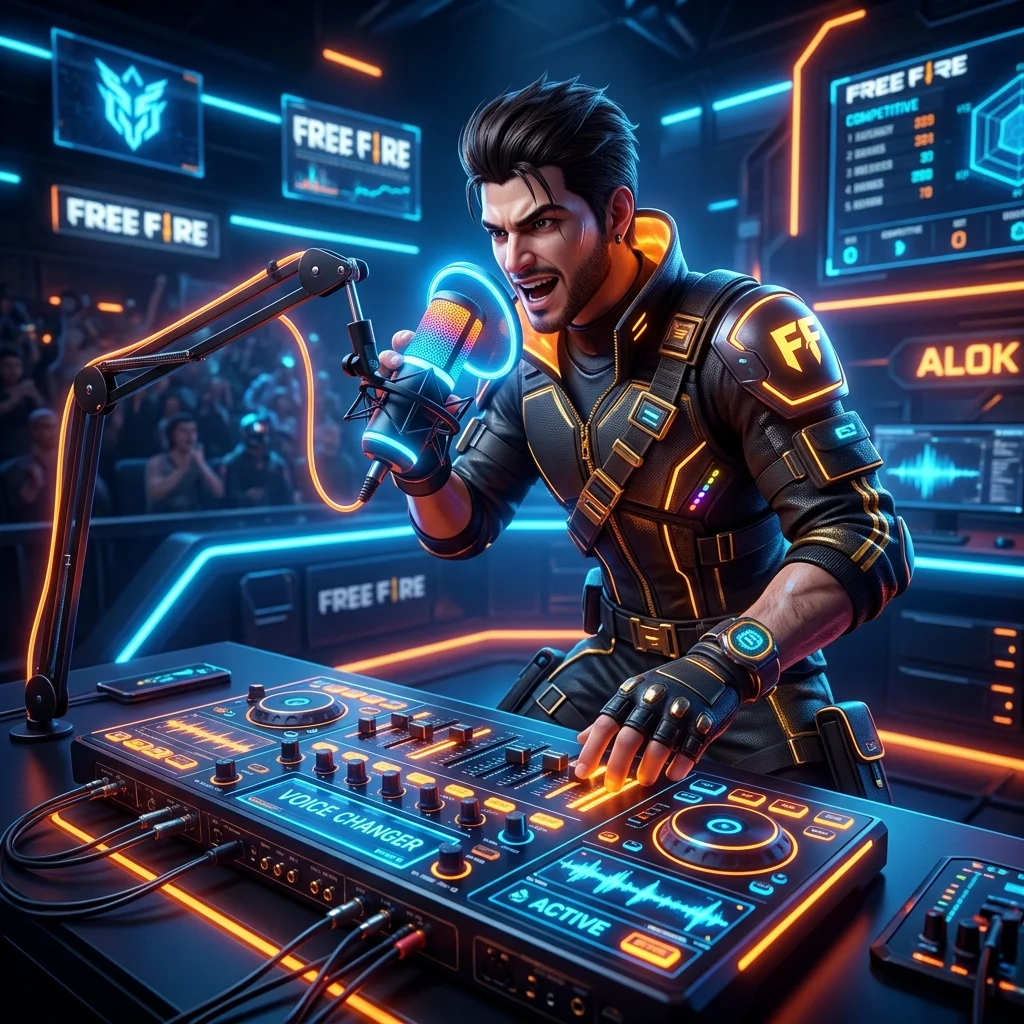
Pulling off a squad wipe while sounding like a little kid is every Free Fire player's dream. Trolling your random teammates and speaking like Raistar simply makes the gameplay ten times more entertaining. Due to the massive hype, millions of players search for a reliable free fire voice changer app like raistar every single day.
Honestly, pairing a voice changer with smooth gameplay makes streaming unforgettable. Perfect your one-tap headshots using our Free Fire headshot sensitivity settings and claim extra items with our active Free Fire redeem codes.
The Reality Check (Truth Exposed): Let us expose the lies spread by many YouTubers. The bitter truth is that standard Android operating systems do not allow dual microphone permissions simultaneously.
Because of this restriction, 99% of third-party voice changing apps will not work directly over your live in-game mic. However, do not worry!
We have compiled 3 genuine "Pro" methods and 7 tested applications that are guaranteed to work 100%.
Method 1: Inbuilt Game Turbo (The Only Direct Live Trick)
Got a recent Xiaomi, Poco, or Realme device? You just hit the jackpot.
These phones actually have a hidden "Game Turbo" utility buried in the system settings. It forces a live voice modifier filter straight into your phone's mic hardware.
- Step 1: Dig into your 'Security' app and tap on 'Game Turbo' or 'Game Space'.
- Step 2: Check if Free Fire is on the list. If not, add it manually and hit play.
- Step 3: Once you drop into the lobby, drag your finger from the screen edge to open the gaming sidebar.
- Step 4: Tap that hidden 'Voice Changer' toggle and lock in the 'Kid' preset.
Why do we love this? Zero ban risk.
Seriously. Garena cannot detect hardware-level tweaks, meaning your ID stays 100% safe.
Plus, your ping won't randomly spike to 999+.
Method 2: The Discord Squad Trick (For Custom Rooms)
Not everyone has a brand new Poco phone, right? If you push rank aggressively with a dedicated squad, you probably use Discord already. We will use Discord to completely bypass those annoying in-game mic blocks.
Here is the exact play. Shut down that in-game mic completely.
Jump into a Discord voice channel with your teammates. Now, fire up the 'VoiceFX' app in the background and smack that 'Kid' filter on.
Your squad will hear your trolling voice straight through Discord without any annoying audio crashes.
Method 3: The YouTuber Recording Trick (For Reels & Shorts)
Let's say you edit funny 1v4 clutch montages or drop WhatsApp statuses for your guild. You do not actually need real-time voice changing at all. You just need the final video to sound hilarious after the match ends.
Grab a screen recorder like DU Recorder since it packs native voice modulation. Better yet, record your raw gameplay normally. Later, toss that clip into 'AudioLab', manually crank up the audio pitch, and you magically sound like a five-year-old shouting Booyah.
Top 7 Best Free Fire Voice Changer Apps in 2026
Here is our heavily researched list of the top 7 applications actively used by the Free Fire community. We have provided safe, direct download configurations for all of them so you do not have to wander around sketchy websites:
1. VoiceFX - Voice Changer with Voice Effects
This is arguably the best application for executing the Discord live-calling trick. It successfully manages background audio processing easily without crashing your device.
VoiceFX allows you to instantly transform your voice and playback your audio live with customized voice effects. You can even live stream your changed voice to your media players or web browsers.
Because of its lightweight interface, it hardly impacts your gaming ping, making it a reliable choice for budget smartphones.
2. Voice Changer with Effects (Baviux)
With over fifty million downloads, this app is incredibly famous for its accurate 'Helium' and deep space voice filters. It's safe, reliable, and highly rated on the Play Store.
What makes it perfect for gamers is how simple it is to use. You can either record your voice and apply the filters after the match, or set it to run securely in the background.
The "Kid" filter inside this app is the closest replica to the famous Raistar tone available on standard mobile devices.
3. AudioLab Audio Editor Recorder
AudioLab is an absolute non-negotiable tool for aspiring YouTube content creators. It functions beautifully for post-editing your gameplay videos.
Unlike basic voice changers, this is a full-fledged audio workstation. You can precisely tweak the audio pitch, trim unwanted background noise, and eliminate echo.
If you are creating YouTube Shorts or WhatsApp statuses filled with intense headshots, injecting a high-pitched voiceover using AudioLab will make your videos go viral.
4. iMyFone MagicMic
If you are looking for premium quality Artificial Intelligence voice rendering, MagicMic is unparalleled in the mobile and PC market.
It utilizes deep learning algorithms to provide incredibly lifelike voice avatars. Instead of just changing your pitch, it actually clones the character elements of the voice.
Though some premium features are locked behind a paywall, the free daily voices are more than enough to stun your squadmates in the lobby.
5. Voicemod (For PC & BlueStacks Players)
SEO Pro-Tip: For gamers playing Free Fire MAX on official PC emulators, Voicemod is the ultimate software suite. It integrates brilliantly with Windows mechanics and is completely official.
You can assign specific voices to your keyboard hotkeys. This means you can switch from a deep monster voice to a tiny kid's voice mid-combat with a single keystroke.
Plus, it features a fantastic soundboard. You can blast funny meme sound effects through your in-game microphone whenever you secure a Booyah!
6. Raistar Voice Changer App (Auto Tuners in Play Store)
Many third-party developers upload exact replica configurations labeled specifically as "Raistar tuners." They design these apps specifically to mimic the legendary Free Fire player.
Because these highly specific apps come and go due to developer updates, searching directly gives you the most updated and active algorithm.
Always verify the reviews and ratings on the search page before hitting download to avoid installing outdated versions.
7. DU Recorder (Or AZ Screen Recorder)
DU Recorder was legendary for its internal screen capture mixed gracefully with live voice changing. However, obtaining the safe APK outside the Play Store can be annoying.
Because it operates outside standard policies now, you might heavily prefer the 100% certified AZ Screen recorder. It provides immaculate 1080p 60fps internal audio captures alongside your mic.
You can easily record your epic moments with crisp internal game sound, and then add your modified comedic voiceover on top smoothly.
Troubleshooting & Pro Gamers Tips
If your voice changer app suddenly crashes or closes during intense combat, it is likely because your phone's RAM manager killed it to save memory for Free Fire. You must "Lock" the application in your recent apps background menu by swiping down on it or pressing the padlock icon.
Plus, without enabling the "Draw over other apps" and absolute "Microphone permission" deeply in your Android app settings, no external modifier will succeed.
Conclusion
We hope this ultimate blueprint successfully enables that highly sought-after child-like tone for your gameplay sessions. Whether you choose to leverage the direct Game Turbo method or overlay with VoiceFX on Discord, remember it is all strictly meant for enjoyable banter with your squad.
Which method worked perfectly for you, or which application is your absolute favorite? Let us know in the comments below!
Discussion
💬 Leave a Comment