Free Fire Login Problem 2026: Causes & Official Solutions
Nothing ruins a gaming session faster than getting stuck on the loading screen. You tap the app, expecting to drop into a match, but the system suddenly throws a "Network Connection Error" right in your face. If you are reading this in 2026, you already know how unstable the recent OB patch updates have made the standard login process.
Thousands of players lose their rank points daily just because they cannot physically connect to the lobby servers during peak rush hours.
📋 Quick Answer
- If your game refuses to open past the loading bar, immediately switch your phone into Airplane Mode for 10 seconds, then reconnect.
- Clear the app Cache through your Android settings menu to wipe corrupted login tokens.
- Update to the latest 2026 game client via the official Play Store to fix version mismatch errors.
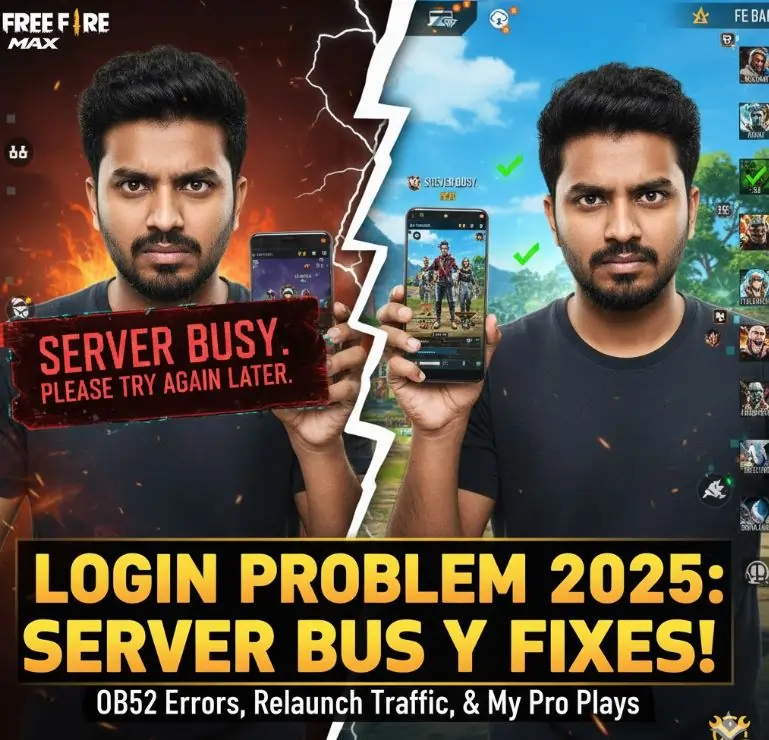
This troubleshooting guide breaks down the exact technical steps needed to bypass these frustrating server blocks. Let's get your account back online fast.
Understanding the Different Types of Login Errors
Before jumping straight to the solutions, you must first understand what causes these specific popup messages. Game servers separate connection problems into different categories. Here is what they actually mean:
- "Server Busy": This happens when the servers hit their maximum player limits. This is very common when entirely new features drop, like the latest major crossover integrations.
- "Connection Timeout": Your mobile internet is simply taking too long to reply to the game server.
- "Authentication Failed": The game cannot verify your Facebook or Google ID properly.
- "Failed To Retrieve Version Config": Your game client does not match the server's current version, usually due to a missing tiny patch update.
Step-by-Step Ways to Fix Free Fire Login Errors
here are the best options the top reliable methods to solve these frustrating connection issues. here is exactly what you need to do until your game opens successfully.
1. Fix General Network and Connection Errors
If the game shows a "Network Error", the problem is located inside your phone's current data connection. Follow these simple steps to fix your network routing:
- First, safely close the Free Fire application from your recent apps menu.
- Next, pull down your smartphone's notification bar and click on the Airplane Mode icon to turn it on.
- Wait for strictly 15 to 20 seconds. This step clears out your old DNS settings.
- After this, turn off Airplane Mode and wait for your mobile network bars to return.
- If you are running on a home Wi-Fi signal, try turning off your router for 10 seconds and turn it back on. Also, try switching to your Mobile Data to see if it fixes the problem.
2. Solve the "Server Busy. Please Try Again Later" Message
When millions of players open the game exactly at 4:00 AM (server reset time) or during a big tournament, the server gets completely full. You will see a "Server Busy" message blocking your path.
- The most important thing to remember is do not click the login button again and again. Pressing it continuously only puts more load on the server.
- Simply close the Free Fire app completely.
- Wait patiently for 30 to 45 minutes to let the peak traffic settle down.
- Open the game again when there is normal traffic. The servers will automatically place you inside.
3. Clear App Cache for Version Config Error
As you play the game daily, Free Fire saves tiny bits of data called 'Cache' on your phone to make the loading screen faster. Sometimes, this old cache data gets corrupted and blocks the new login process.
- Open your smartphone's main Settings menu.
- Scroll down and click on 'Apps', 'App Manager', or 'App Settings'.
- Find and click on Free Fire MAX from your app list.
- Now select the 'Storage' or 'Storage Usage' option.
- Finally, tap on the "Clear Cache" button.
- Important Warning: Do not tap "Clear Data" under any circumstance, because doing that will delete all your downloaded maps, skins, and expansion packs.
4. Fix Facebook, Google, or VK Login Not Working
Most players connect their accounts using Facebook or Google. If your social media app disconnects in the background, Free Fire will not let you pass the loading screen.
- If logging in fails, select "Log Out" on the Free Fire main screen.
- Now, completely close the game.
- Open your Facebook or Google app and make sure you are properly logged in there. Sometimes Facebook asks for a password change or session renewal.
- Reopen Free Fire and select your specific login method again. It will now fetch your updated social media token successfully.
5. Avoid Using Third-Party VPNs or Mod Files
Many video tutorials suggest downloading a VPN app and connecting to a Singapore or Brazil server to bypass the login failure. Do not do this. Using a VPN to manipulate your login region introduces massive ping drops and strictly violates Garena's Terms of Service.
Similarly, never use third-party applications or unauthorized config files that claim they can "force login". Garena's automated anti-cheat system scans for these background apps and will permanently ban your account.
6. Update the Game from Official Stores Only
A "Version Config" error specifically means your game lacks the latest security patch. Always make sure your game is updated.
- Open the Google Play Store or Apple App Store.
- Search for Free Fire India or Free Fire MAX.
- If you see an "Update" button instead of "Play", click on it immediately.
- Once the update reaches 100%, launch the game directly from the store.
When to Contact Official Garena Support
Usually, the local troubleshooting steps mentioned above solve 99% of login issues. However, if you have tried everything and you still cannot enter the game after waiting for 48 hours, your specific player ID profile might be stuck in the database loop. In this rare case, you need to contact the official Garena Free Fire Help Center.
Fixing these network issues takes less than five minutes if you follow the right steps. Stop losing rank points to server disconnects and get your squad back online. If these steps do not clear the error, check the official Free Fire support page for live server maintenance updates.

Discussion
Leave a Comment