Top 12 Expert Ways to Get Support Free Fire MAX Fast in 2026
Playing Free Fire MAX pushes your mobile device to its absolute limits. The high-definition graphics, intense 360-degree sound tracking, and heavy Firelink synchronization deliver an incredible battle royale experience. Unfortunately, that same technical complexity inevitably creates devastating glitches. You will eventually encounter a nightmare scenario where your diamond top-up fails, a massive bug deletes your ranked points, or a hacker steals your profile entirely. When disaster strikes in 2026, most players blindly scream on Twitter and accomplish absolutely nothing. You need to use the official infrastructure correctly if you want to recover your assets quickly.
📋 Quick Answer: Fastest Support Routes
- Zendesk Tickets: Always use `ffsupport.garena.com` as your primary weapon for missing diamonds or hijacked accounts.
- Region Portals: You must submit tickets to your exact geographic domain (like `ffsupportind.garena.com` for India).
- Evidentiary Proof: Add uncropped screenshots of your payment receipts to immediately bypass automated rejection filters.
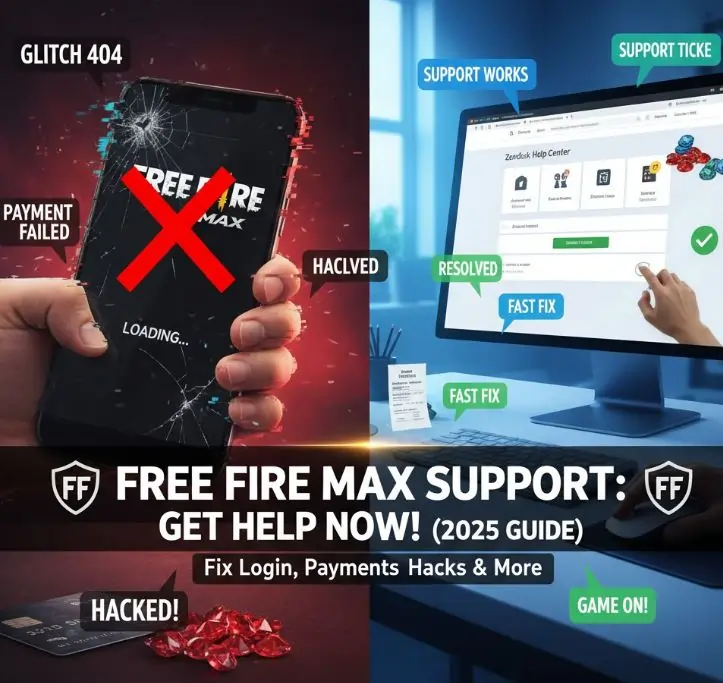
This breakdown details the 12 absolute most effective paths to force a real human administrator to look at your problem immediately.
1. The Global Zendesk Protocol
Forget sending random emails. Garena forces 99% of its global customer service traffic strictly through the Zendesk Help Center architecture at `https://ffsupport.garena.com`. This is not a suggestion; this is the mandatory choke point for all technical disputes. When you submit a ticket here, the software instantly generates a dedicated tracking number. You track your case exactly like an Amazon package, moving from "Open" to "Pending Investigation" and finally to "Resolved."
2. Targeting Regional Sub-Domains
The biggest mistake players make is screaming at the North American support desk while living in Mumbai. You must route your problem locally. Garena splits its massive player base across 21 distinct server regions. If you play on the Indian designated server, you must use `ffsupportind.garena.com`. If you sit in Singapore, use `ffsupportsg.garena.com`. Selecting the precise regional desk guarantees your ticket hits an administrator who actually understands local payment systems like Paytm or UPI.
3. Overriding Payment Processing Failures
If you purchase 1000 diamonds, the money leaves your bank, but your vault stays empty, you have a financial crisis. Do not blindly refund through Google Play immediately, or Garena's automated system will instantly ban your account for transaction fraud. Instead, navigate to the Zendesk portal and rigidly select the "Payment Issue" category. You must attach an unedited screenshot of your official Google Play email receipt displaying the exact GPA Transaction ID. The billing department easily cross-references that ID and manually injects the missing diamonds straight into your account.
4. Executing Account Recovery Properly
Account hijacking triggers intense anxiety. If someone strips your bindings, you must initiate account recoveries immediately before they sell your skin collection. You generate a "Hacked/Lost Account" ticket. To prove ownership, you must supply horrifyingly specific details: the exact model of your smartphone, the IP address you normally use, and the dates of your last three diamond top-ups. Real human security auditors use this precise data to permanently sever the hacker's connection.
5. Cracking Busted Event Rewards
Sometimes you grind an entire MoCo Store event, hit the final spin, the animation lags, and you receive nothing. The server essentially failed to synchronize your reward drop. Submit a ticket under "Item Bug". Provide the exact timestamp of the spin and the name of the missing aesthetic item. The server log team will easily confirm your expenditure and mail the skin directly to your in-game inbox.
6. Utilizing Official Escalation Email Channels
While Zendesk manages the massive volume of daily complaints, Garena maintains direct corporate email addresses for high-level technical crises. If you represent an esports organization or find a game-breaking duplication exploit, you contact `[email protected]` directly. Do not use this email to complain about missing gold coins; the administrative filter will delete your message instantly.
7. Managing Reward Redemption Crashes
The official redemption site crashes constantly during major esports live streams because three million people try to enter the same string simultaneously. If your redeem codes fail to process, verify you are not trying to push a European server code onto an Indian account. If the region matches and it still fails, submit a ticket displaying the specific error prompt. The administrators will verify the code's validity matrix.
8. Defeating the Infinite Loading Screen
The Firelink technology occasionally completely misreads your device architecture, locking you in an infinite 99% loading screen. Before harassing standard tier-1 support, completely wipe the app cache inside your phone's deep settings. If the glitch persists, you submit a "Connection/Technical" ticket attaching your smartphone's exact OS version.
9. Reporting Sophisticated Hackers
Text descriptions of a hacker do absolutely nothing. If someone headshots your entire squad through an impenetrable wall, you need hard video evidence. You must record the killcam, upload the raw footage to Google Drive, and submit the unlisted link via the "Hacker Report" portal. The Anti-Hack engineering unit reviews the raw telemetry to issue hardware bans.
10. Interpreting Account Suspensions
If you catch a ban screen, your support options narrow dramatically. If you definitively utilized modified APKs, you are permanently banned, and Zendesk operators cannot help you. However, if the automatic system falsely flagged you for playing alongside a random matchmaking hacker, you can desperately appeal. Study the exact tips work guidelines to structure a clean, objective appeal asserting your innocence without screaming at the agent.
11. Navigating Social Media Outreach
Garena’s official Instagram and X (Twitter) accounts exist strictly for marketing and high-level server outage announcements. Tagging them repeatedly regarding your lost pet skin wastes massive amounts of time. However, if the entire South Asian server cluster completely crashes, checking their social feeds provides immediate validation before you waste time writing a Zendesk ticket.
12. Studying the Comprehensive Help Hub
Before you ever submit a ticket and wait 72 hours for a response, aggressively search the knowledge base. Garena published hundreds of incredibly deep articles addressing almost every conceivable glitch. You can resolve 80% of your problems instantly if you just read this full guide on Free Fire Max Help Center.

Discussion
Leave a Comment